
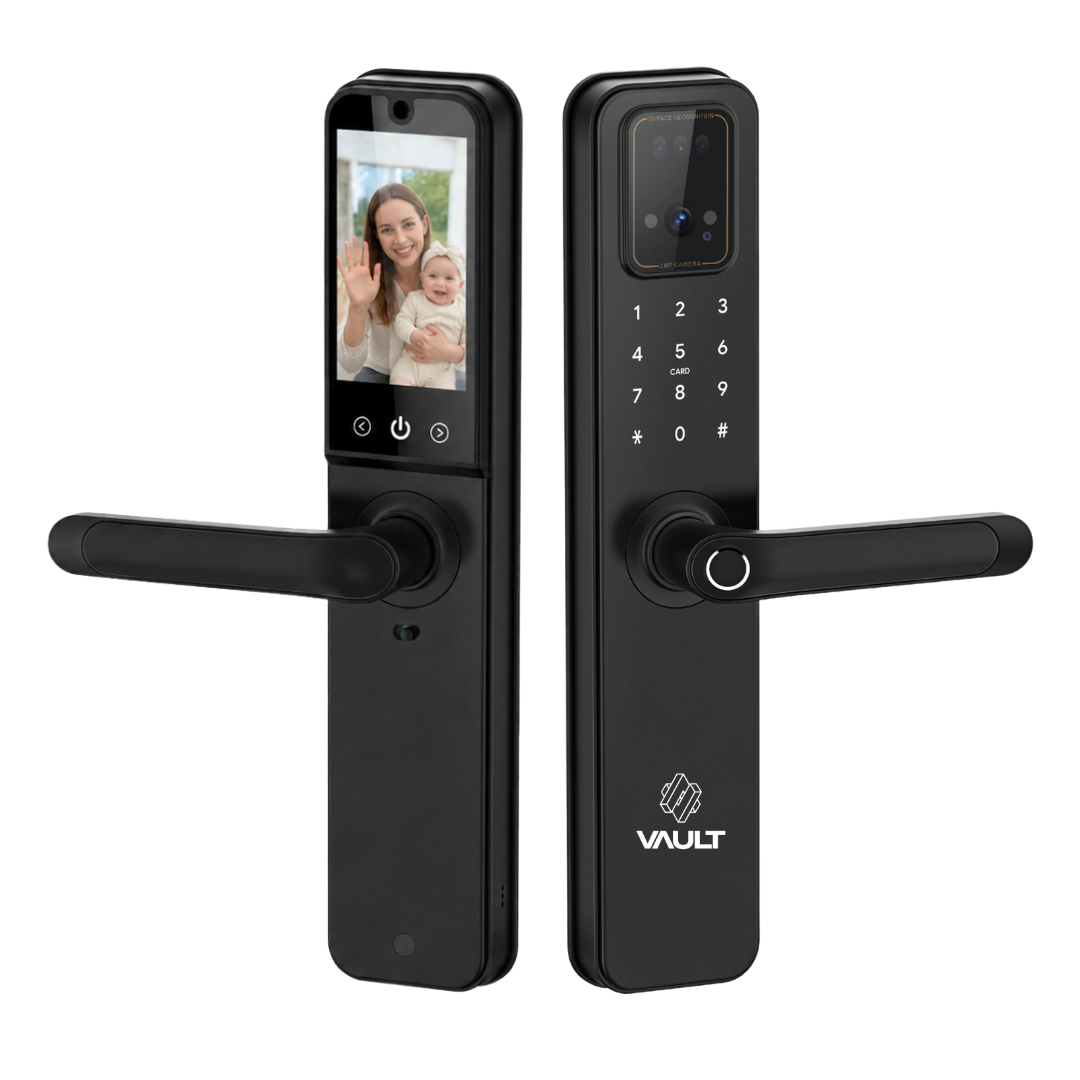
Vault Guardian Vision
Product Description
Introducing the new Vault Guardian Vision – our advanced Guardian smart lock, now enhanced with a built-in indoor display screen, two-way video intercom, and integrated Wi-Fi. See who's at your door from the app, speak with visitors, receive real-time notifications, and manage your lock remotely from anywhere, all without the need for a separate G5 Gateway.
The Vault Guardian Vision is a modern, high-performance smart lock featuring advanced 3D facial recognition technology for ultimate convenience and security. Combining cutting-edge biometrics with multiple access options, the Guardian Vision supports facial recognition, fingerprint, PIN code, Bluetooth, RFID card, key access, and app control for flexible, secure entry.
With its sleek handle design and premium materials, the Vault Guardian Vision delivers a stylish yet robust solution for contemporary homes. The advanced facial recognition system provides fast, secure access, while the durable lock mechanism offers reliable protection against everyday wear and tampering.
Battery Life
Because the built-in camera and intercom need Wi-Fi live at all times for remote viewing, battery life runs shorter than a standard smart lock, typically 30 to 60 days on a strong connection. Wi-Fi signal strength is the main factor, so a stable connection at the door will get you the best results. See the FAQs below for more detail on what affects battery life and how to maximise it.
See our locks installed on real doors on our Instagram.
Important Installation Note
We strongly recommend sending photos of your door to confirm compatibility before purchasing. If a purchase is made without providing photos for review, Vault cannot be held responsible if the selected lock is incompatible with your current door.
Vault smart locks are not suitable for fire-rated doors, such as apartment entry doors. For these applications, we recommend using the Vault Arena or Vault Pulse access control system in combination with a fire-rated electric striker.
Add-on products
Vault Guardian Vision
If you have any questions, you are always welcome to contact us. We'll get back to you as soon as possible, within 24 hours on weekdays.
-
Shipping Information
Use this text to answer questions in as much detail as possible for your customers.
-
Customer Support
Use this text to answer questions in as much detail as possible for your customers.
-
FAQ’s
Use this text to answer questions in as much detail as possible for your customers.
-
Contact Us
Use this text to answer questions in as much detail as possible for your customers.
Product details
Inclusions
Product Specifications
Shipping information
Free standard shipping applies to Australian orders over $200, with other shipping costs calculated at checkout. Orders are processed within 1–2 business days (excluding weekends and public holidays) and shipped via tracked Australia Post or an equivalent courier. Delivery typically takes 2–5 business days for metro areas and 3–7 business days for regional areas. Tracking details are provided once your order is dispatched. Customers must ensure delivery details are correct, and any damaged, missing, or lost items should be reported within 7 days so we can assist in line with our policies. Please see Vault’s Shipping Policy for further details.
User Manual
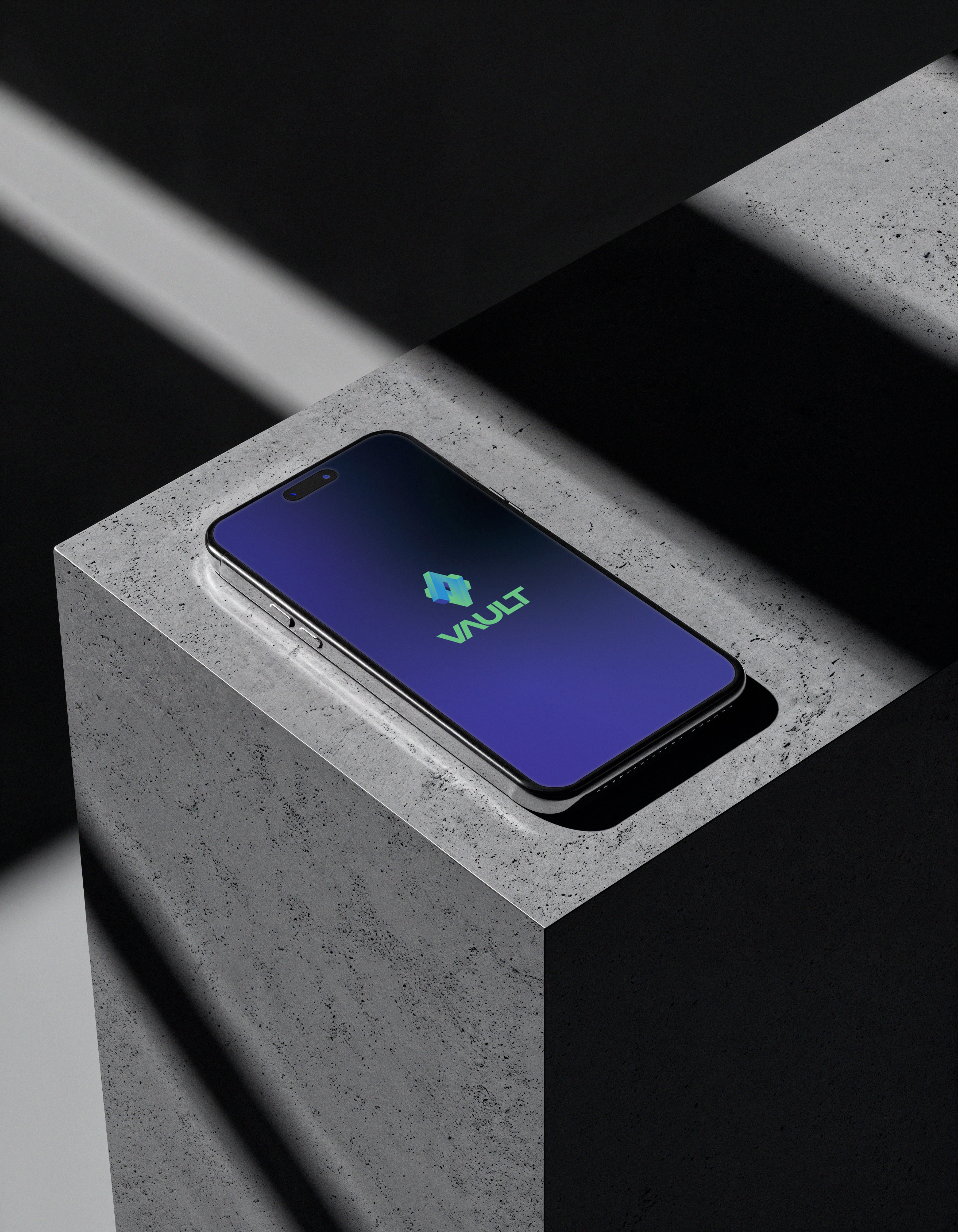
The Vault App – Total Control at Your Fingertips
Take control of your home, rental, or commercial property anytime, anywhere. The Vault App puts powerful smart lock management directly in your pocket, giving you security, convenience, and peace of mind. Whether you’re a homeowner, property manager, developer, or building manager, the Vault App simplifies access control while keeping your space safe.
Key Features
- Remote Lock & Unlock: Control all your Vault smart locks from anywhere.
- Temporary Access Codes: Create one-time or time-limited codes for guests, cleaners, or contractors.
- User Management: Add, edit, or remove users with instant effect.
- Access Logs: View detailed entry history to see who entered, when, and how. Get this information in real time.
- Tamper Alerts: Receive tamper alerts if someone attempts an unauthorised entry.
- Smart Home Integration: Works seamlessly with Google Home, and Alexa.
- Multi-Property Control: Manage multiple homes, rentals, or commercial sites from one account.
- Customised Settings: Adjust lock behaviour, notifications, and access preferences to suit your lifestyle.
Download the Vault App and experience complete digital lock control, combining security, convenience, and modern design in one intuitive interface.
Main features
Multiple Access Options:
Fingerprint, PIN, app, 3D facial recognition, or backup key.
Real-Time Alerts:
Stay informed with instant notifications in the app.
Durable Build:
Weather-resistant and tested for everyday use.
Built in wifi:
Wifi connected in the lock, so you don't need the G5 Gateway to connect to the app, Google home or Alexa.
Future-Proof:
Regular software updates that keep you secure.
Remote Access Available:
Lock and unlock your door from anywhere, and grant temporary access to family, friends, or guests.
FAQs
Please read our FAQs page to find out more.
Which Vault smart lock is right for my door?
The best lock depends on your door type (hinged, sliding, glass, or gate) and existing mechanism (tubular latch, mortice, or electric striker). We recommend uploading photos of your door on our “Choosing the Right Lock” page for personalised advice before purchasing.
Why doesn't the battery in this lock last as long as a lock without a camera?
A standard lock sits in low power sleep mode most of the time. A Wi-Fi camera lock can't do that. Even when nobody's at the door, parts of the system stay on standby so you can pull up the live view whenever you want. That means the Wi-Fi connection has to stay live and the camera can't fully power down.
Think of it like a phone with the screen locked. The screen's off but background apps are still running and using power.
Occasionally a software or network fault stops the camera from settling into standby properly, which drains the battery faster than it should.
Signal quality makes a big difference. If the Wi-Fi at the door is weak or the router connection drops out, the lock keeps searching and reconnecting, and that uses a lot more power. Same idea as a phone in a low reception area chewing through battery while it hunts for signal.
What access methods do Vault locks support?
Depending on the model, you can unlock using fingerprint, PIN code, RFID card, Bluetooth, facial recognition, or the Vault app. All models include a physical key for backup, and most support Wi-Fi and voice control through the Vault G5 Gateway.
What charging frequency should you expect?
For a fully automatic lock with a built in Wi-Fi camera and intercom, charging every 20 to 60 days is normal, depending on usage and network conditions.
This is just how current Wi-Fi camera tech works. Unlike a standard lock, these units need an ongoing connection for live view and intercom to function.
If the battery's dying completely within a few days, that's not normal, it usually points to a poor or unstable network.
How to get the most out of your batteries
- Connect the lock to a 2.4GHz Wi-Fi network.
- Keep the router or access point close enough to the door for a strong, stable signal.
- Avoid spots where the lock is constantly dropping and reconnecting to Wi-Fi.
- If you see unusually fast battery drain, check Wi-Fi signal and stability first.
A strong, stable Wi-Fi connection is the biggest factor in getting good battery life out of a camera enabled smart lock.
What’s the difference between digital smart locks, access control, and a Wifi Gateway?
- Digital Smart Locks are standalone electronic locks that replace traditional key systems. They offer multiple access options - such as fingerprint, PIN code, RFID card, or mobile app - and are ideal for individual doors in homes or offices.
- Access Control Systems (like the Vault Arena or Pulse) are designed for managing multiple doors or users, typically in apartments, offices, or commercial buildings. They integrate with electric strikers to automate entry and provide centralised access management.
- The Vault Gateway (G5) is a Wi-Fi bridge that connects your smart locks to the internet, unlocking full remote functionality. With it, you can lock or unlock doors from anywhere, view real-time access logs, and integrate your system with Alexa or Google Home for voice control and automation. We recommend pairing your Vault smart lock with the G5 Gateway for best usage experience (unless your lock has built in wifi - then you don't need a gateway).
Do Vault smart locks integrate with smart home systems?
Yes. If a lock has built in wifi or when paired with the Vault G5 Gateway, all compatible locks integrate seamlessly with Google Home and Amazon Alexa, allowing you to lock, unlock, and check status using voice commands or automations.
What’s included with each Vault lock?
Each lock includes a digital manual, backup physical key, installation template, RFID cards, mounting hardware, and all required components. Specific inclusions are listed on each product page under “Inclusions.”
Can I control multiple locks from the same Vault app?
Yes. The Vault app allows you to manage multiple locks, properties, or users from a single dashboard - ideal for property managers, businesses, or smart-home enthusiasts.
Are Vault locks compliant with Australian standards?
Yes. Vault locks are designed and tested for Australian conditions, meeting local security, durability, and electrical safety standards.